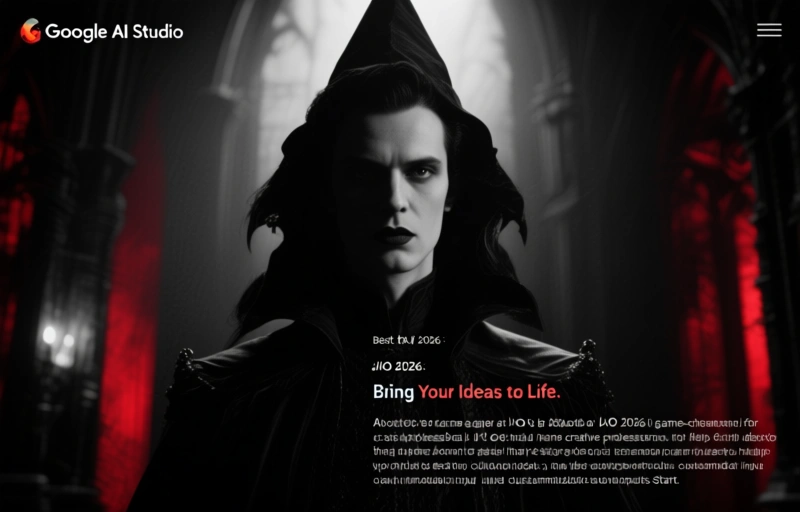
Google AI Studio at I/O 2026 is a game-changer for creators and professionals. It's a creative partner that helps you bring ideas to life through real-time collaboration, multimodal input, and customizable outputs. Start for free.
Google just dropped a bombshell at I/O 2026, and it's all about making AI work for you. Their new AI Studio is less of a tool and more of a creative partner. Think of it as having a brilliant friend who never sleeps, never gets annoyed, and can help you build almost anything you dream up.
This isn't just another feature drop. It's a fundamental shift in how we approach creativity and problem-solving. Google is betting big that the future isn't about using AI to do things for you, but using it to do things *with* you. And honestly? It's about time.
### What Makes AI Studio Different?
So what's the big deal? Other AI tools feel like fancy search engines. You type in a question, and it spits out an answer. But AI Studio feels more like a workshop. You bring your raw ideas, and it helps you shape them.
Here's what stood out to me:
- **Real-time collaboration:** You're not just sending prompts and waiting. You can tweak, adjust, and iterate in real time. It's like having a conversation with your idea.
- **Multimodal input:** You can throw in text, images, audio, even rough sketches. The AI doesn't just read your words; it understands your intent.
- **Customizable outputs:** It learns your style. The more you use it, the better it gets at predicting what you actually want, not just what you type.
The whole experience feels less like coding and more like sculpting. You start with a block of potential and carve away until you have something real.

### Practical Applications for Professionals
Let's be real: this isn't just for hobbyists. If you're a content writer, a designer, a marketer, or even a small business owner, this tool has your name on it.
Imagine you're a freelance graphic designer in, say, San Francisco. A client wants a brand identity that feels "futuristic but warm." That's a tough brief. With AI Studio, you could feed it examples of what you mean, rough sketches, and even voice notes explaining your vision. The AI helps you generate dozens of directions in minutes. You're not replaced; you're amplified.
For content creators, the use case is even simpler. Need to turn a 2,000-word blog post into a 30-second video script? AI Studio can do that. Want to create a series of social media posts that all sound like you? It learns your voice. It's like having an assistant who actually gets you.
### The Price Point and Accessibility
Here's the kicker: Google is making this surprisingly affordable. The basic tier is free, which gives you enough power for most personal projects. For professionals, there's a Pro plan at $20 per month. That's less than a dinner out for two in most US cities.
Compare that to hiring a freelance developer or a design agency. Even a simple prototype can cost hundreds or thousands of dollars. For $20 a month, you get a sandbox where you can fail fast and cheap. That's a game-changer for startups and solopreneurs.
### A Word of Caution
Of course, no tool is perfect. AI Studio is powerful, but it's not magic. You still need to know what you want. Garbage in, garbage out still applies. The AI can help you build a bridge, but it won't know where the river is unless you tell it.
Also, privacy is a consideration. Google is collecting data to improve the model. If you're working on something sensitive, you might want to keep that in mind. The Pro tier offers better data controls, but it's worth reading the fine print.
### Final Thoughts
Google AI Studio at I/O 2026 feels like a glimpse into the future. It's not about replacing human creativity; it's about giving it a massive boost. If you've ever felt stuck staring at a blank page or a blinking cursor, this tool might be exactly what you need.
Give it a try. The free tier is there for a reason. You might surprise yourself with what you can create.